


Description
Download Polaris Office – free office suite, document editing, cloud-based office tools, cross-platform office software, mobile office app, online document collaboration, document sharing, Google Drive integration, Dropbox integration, Microsoft Word compatibility
Overview
Polaris Office is a free, cloud-based office suite designed to deliver essential document management and editing capabilities across multiple platforms. It serves as a lightweight alternative to comprehensive office software like Microsoft Office, focusing on core functionality such as creating, viewing, and editing text documents, spreadsheets, and presentations. The software is particularly suited for individuals and small teams who require reliable access to their files across desktop and mobile devices without the need for high-end features.
Target users include students, freelancers, small business owners, and remote professionals who frequently collaborate on documents or need to access files on the go. The ability to work with files created in Microsoft Word, Excel, and PowerPoint ensures broad compatibility with existing workflows. Polaris Office supports seamless integration with popular cloud storage services, including Google Drive and Dropbox, enabling users to store and retrieve documents from any device with an internet connection.
The developer, Infraware, has positioned Polaris Office as a practical solution for everyday productivity needs. While the free version offers robust functionality, certain advanced features are restricted unless users upgrade to a paid plan. Despite this, the core editing tools remain accessible, making it a viable option for light to moderate users. The software’s focus on simplicity and cross-platform consistency enhances its appeal for users seeking a streamlined experience.
Key Features & Capabilities
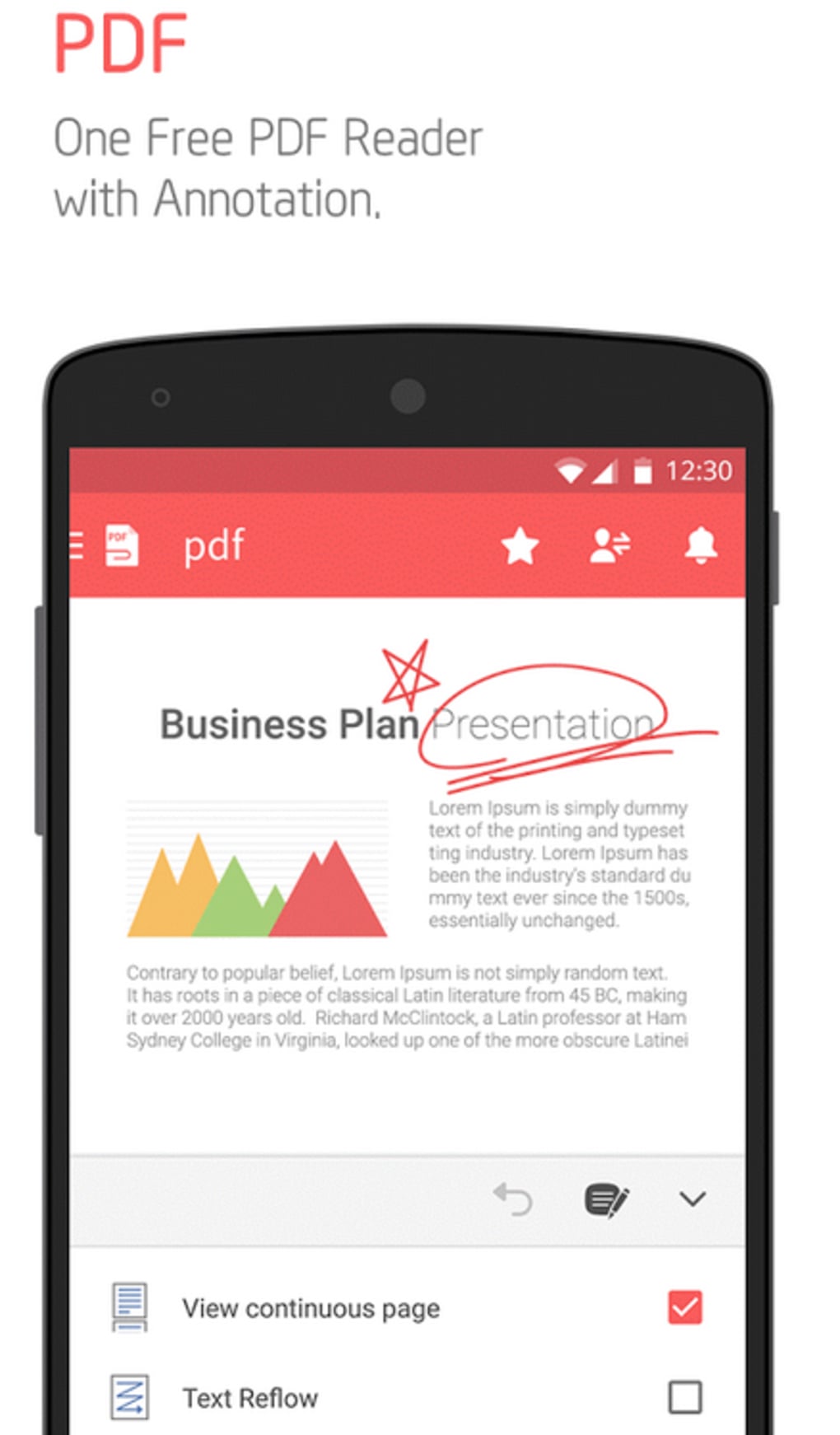
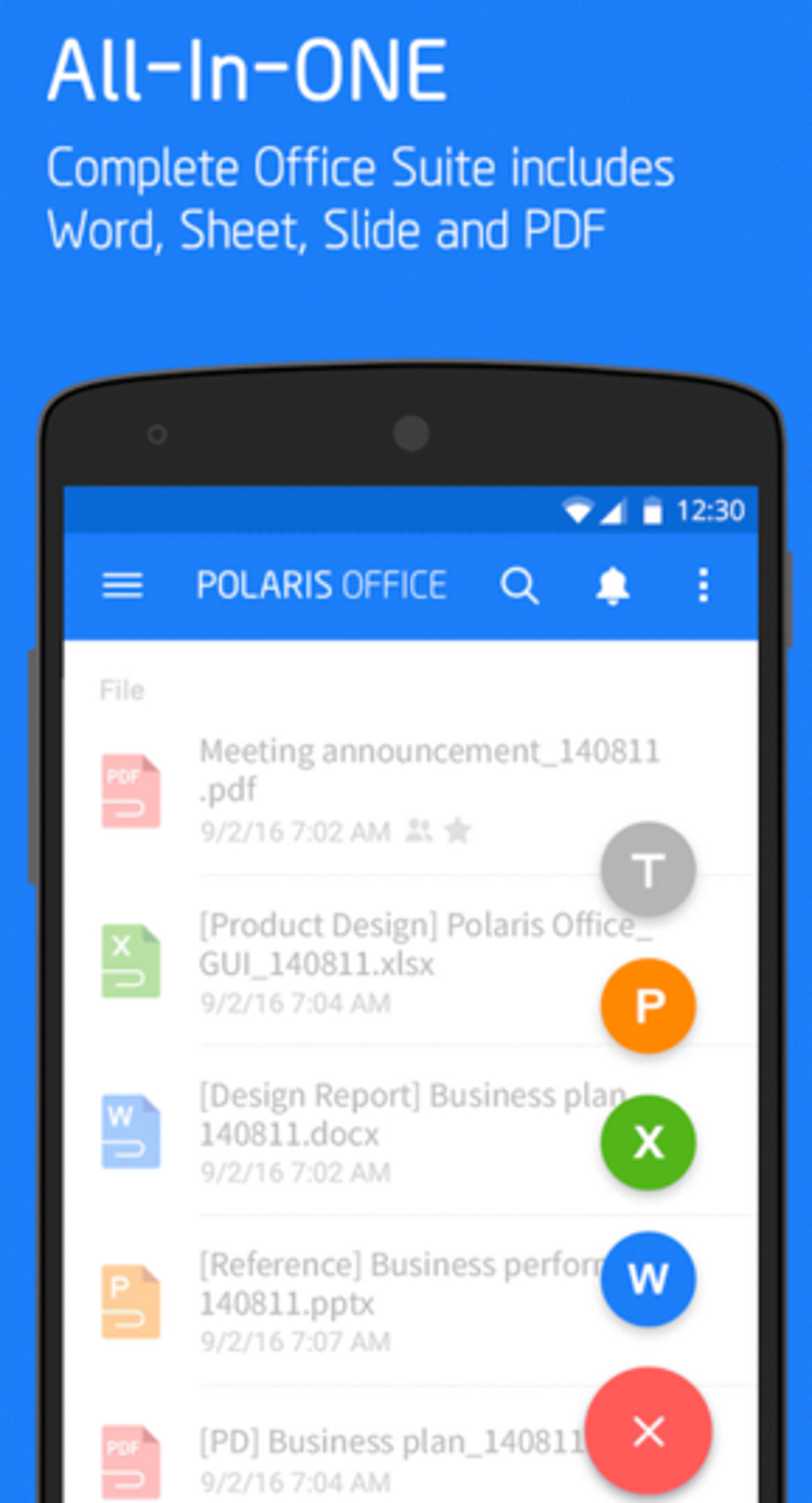
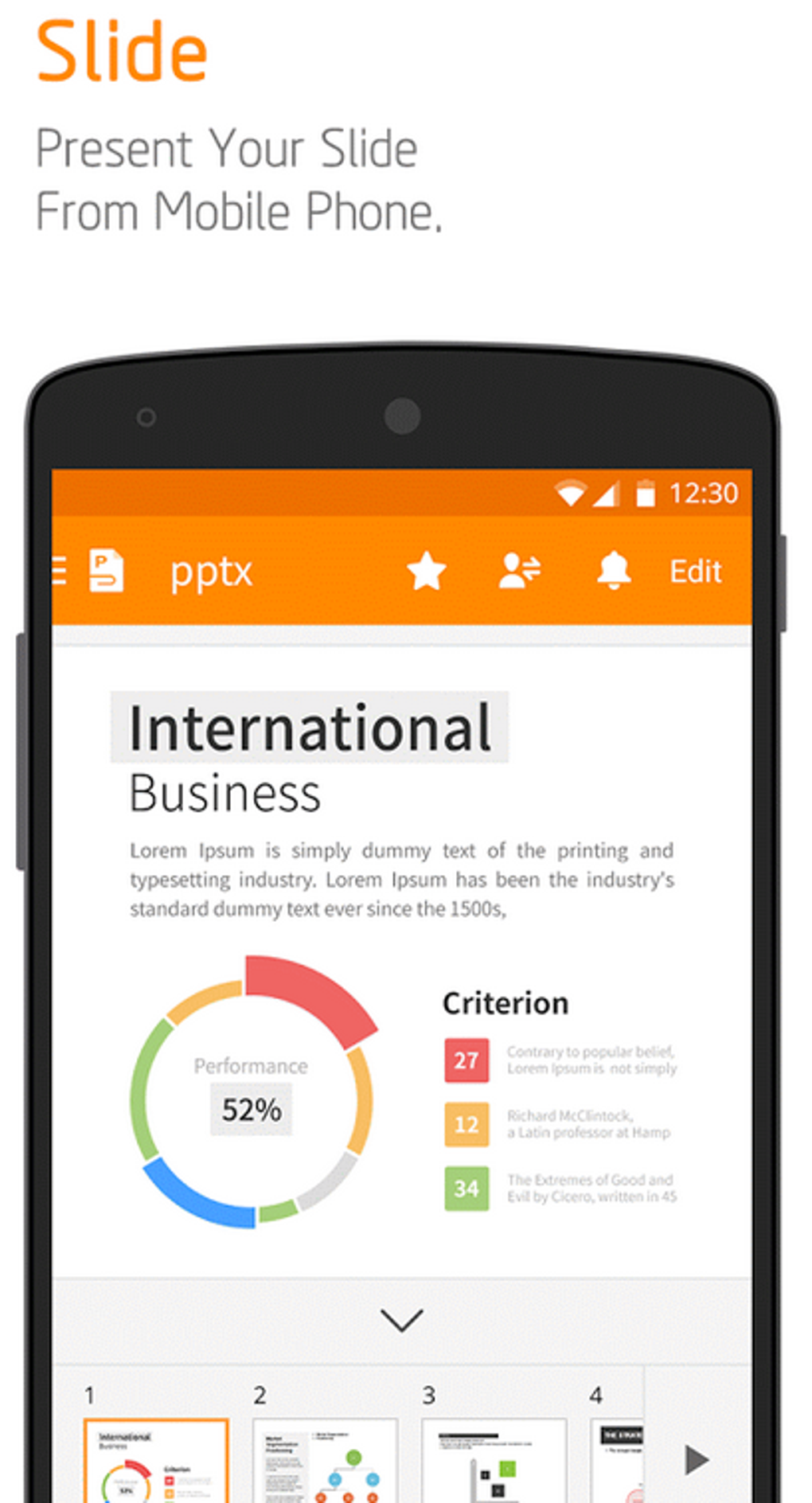
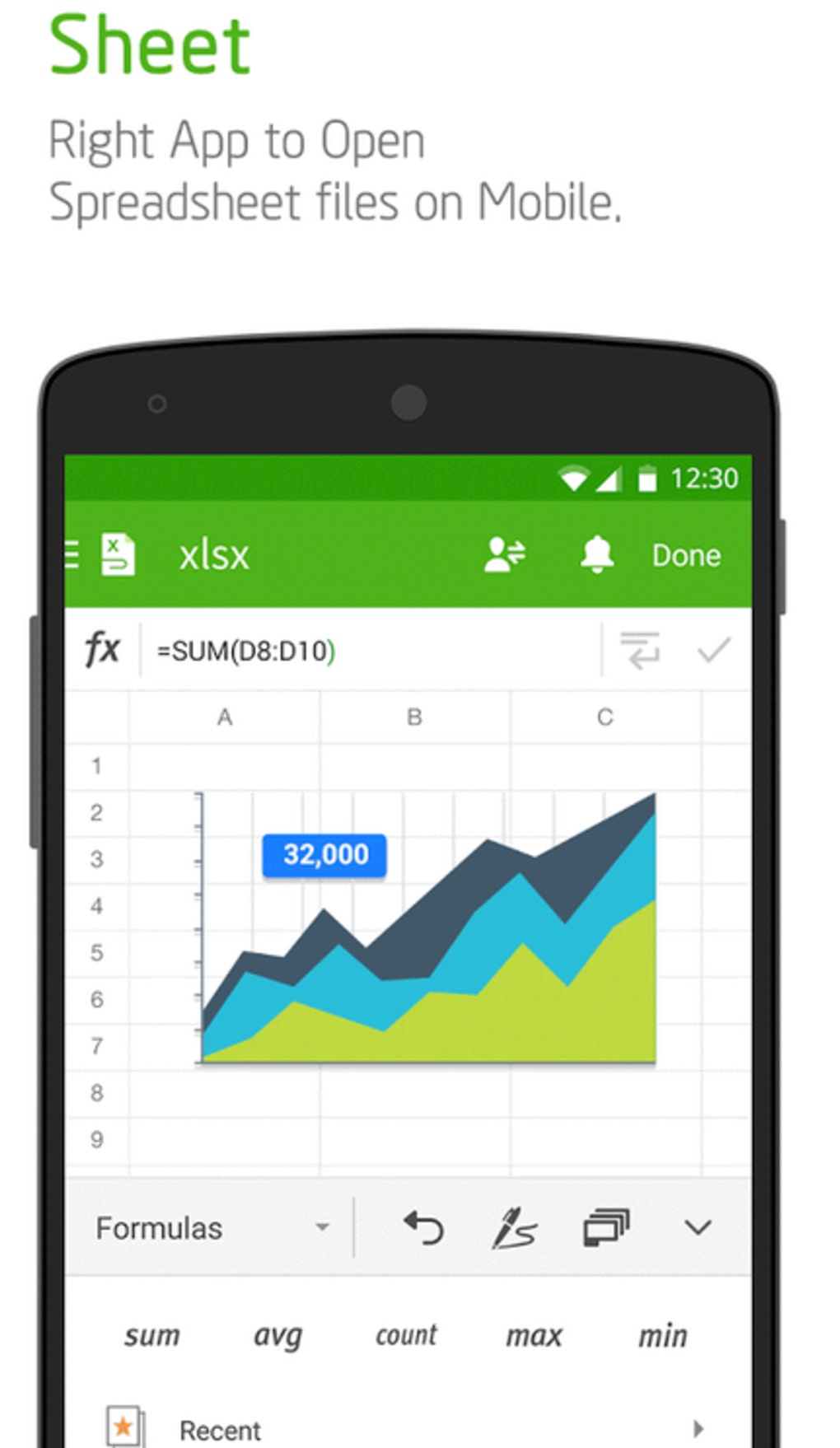
- Multi-Format Document Support: Open, edit, and create files in common formats such as .docx, .xlsx, and .pptx, ensuring compatibility with Microsoft Office and other widely used software.
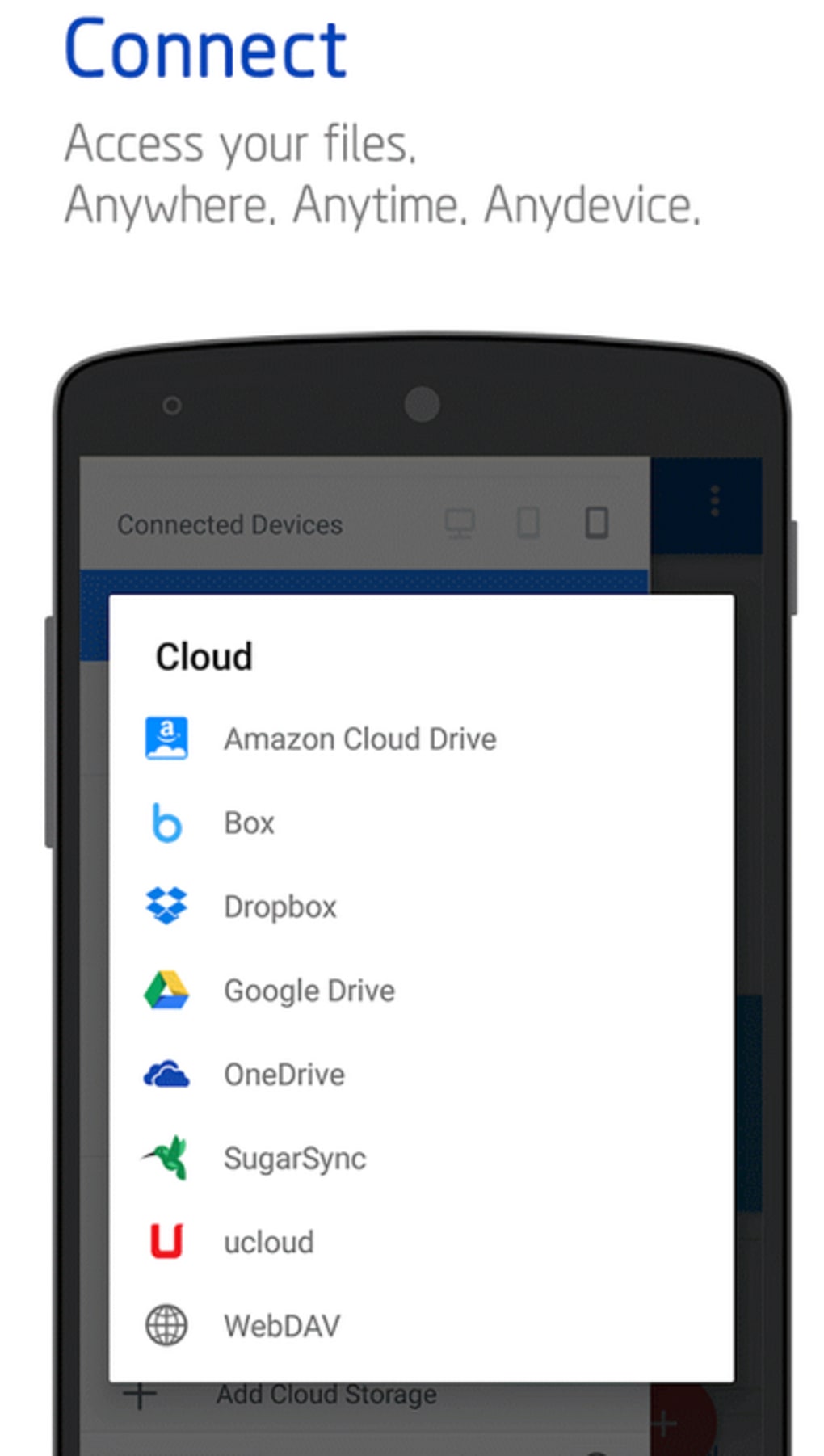
- Cloud Integration: Direct access to Google Drive and Dropbox allows users to store, sync, and share documents across devices without manual file transfers.
- Real-Time Collaboration: Multiple users can view and edit documents simultaneously, with changes updated instantly across all connected devices.
- Offline Access: Documents can be saved locally for access when internet connectivity is unavailable, ensuring uninterrupted productivity.
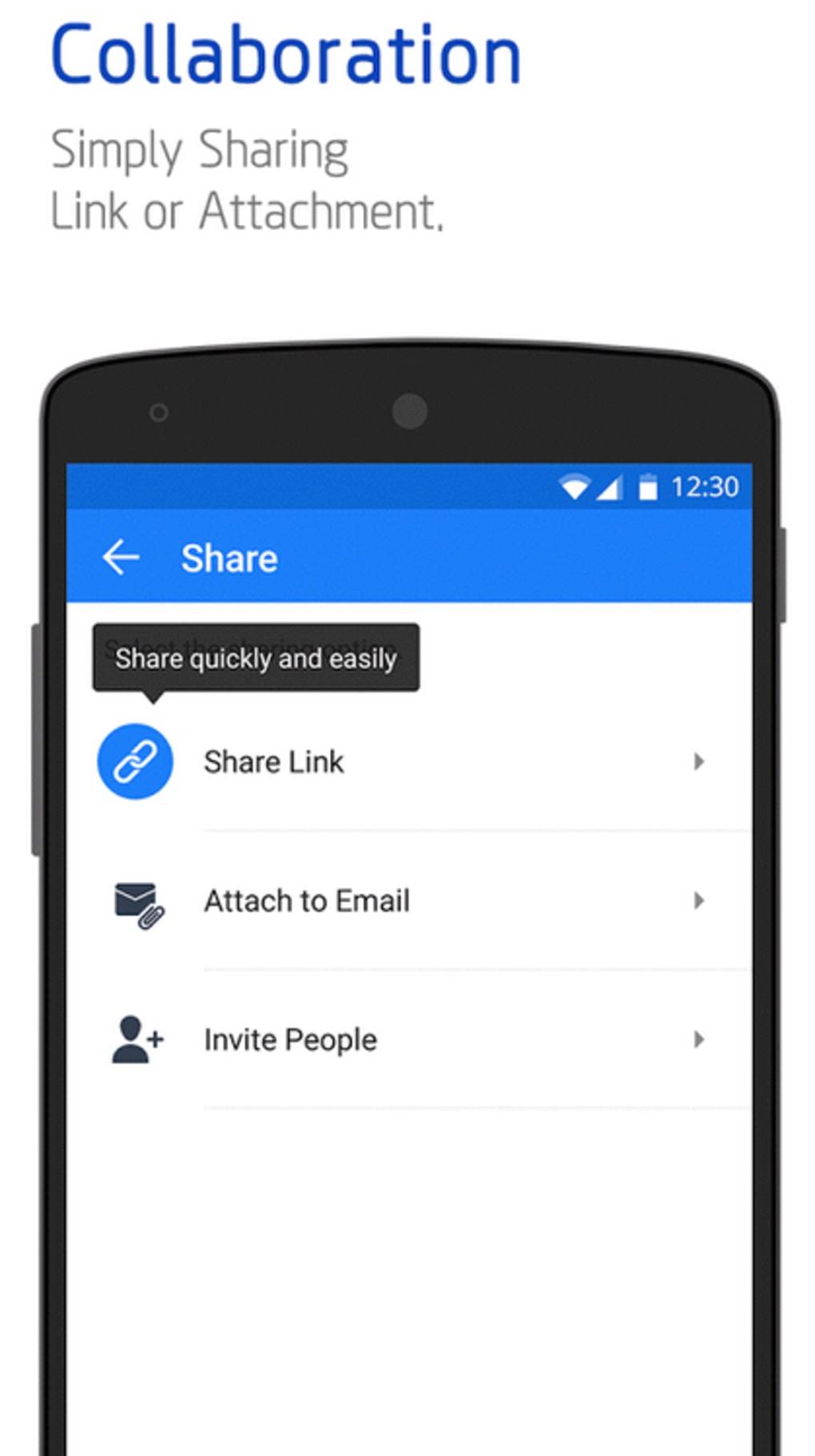
- Document Sharing: Share files via secure links with customizable permissions, enabling controlled access for collaborators.
- Cloud Storage: The software includes built-in cloud storage, offering users an additional option for file backup and retrieval.
These features support real-world workflows such as team project management, academic writing, and business reporting. For example, a student can draft a paper on a laptop, continue editing on a tablet during a commute, and finalize it on a smartphone. Similarly, a small business owner can share a budget spreadsheet with a remote accountant using a secure link, with both parties viewing updates in real time. The integration with cloud platforms ensures that files remain accessible and synchronized across all devices.
User Interface, Workflow & Performance
The user interface of Polaris Office is clean and intuitive, emphasizing ease of access to core functions. Navigation is streamlined through a top toolbar and sidebar menu, allowing users to quickly switch between documents, file types, and cloud storage accounts. The layout remains consistent across Windows and Mac platforms, reducing the learning curve for new users.
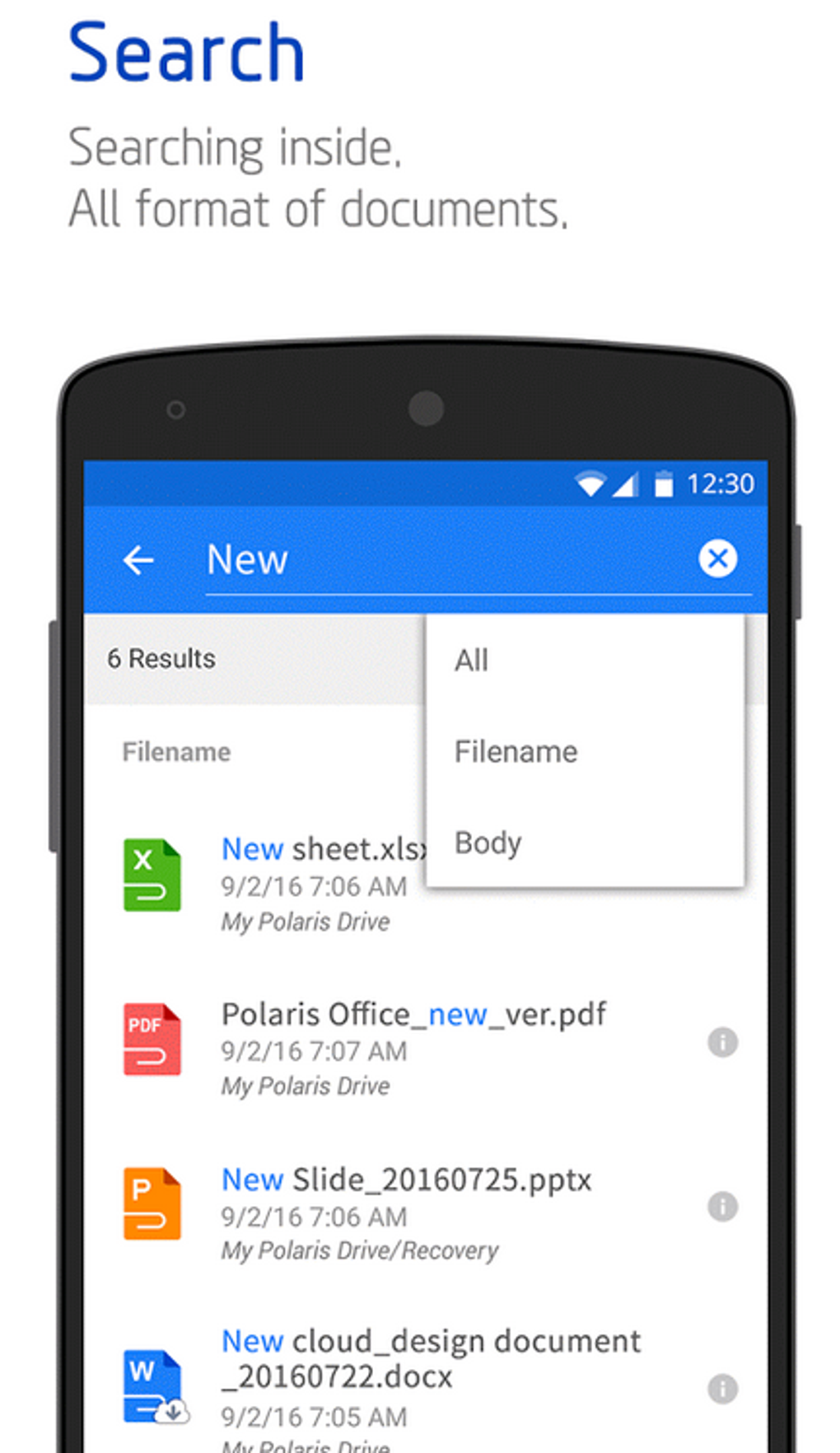
Workflow efficiency is enhanced by features such as quick file opening, drag-and-drop support, and a built-in search function for locating documents. The software responds promptly to user inputs, with minimal lag during basic editing tasks. However, exact performance details were not specified by the developer, and resource usage such as CPU or RAM consumption remains unreported.
Stability appears to be consistent for standard operations, though performance may vary when handling large files or multiple documents simultaneously. The developer did not specify resource usage details, so users should monitor system behavior during extended use. Overall, the software maintains a smooth experience for typical use cases, with no reported issues related to crashes or freezes.
Compatibility & System Requirements
Polaris Office is available for both Windows and Mac operating systems, ensuring broad accessibility across desktop environments. The current version, 10.10.23, is compatible with modern systems that support these platforms. The installation size is 155 MB, which is relatively modest for a full-featured office suite.
Exact system requirements were not listed by the developer, so users should ensure their devices meet the baseline needs for running desktop applications. The software does not appear to require high-end hardware, making it suitable for older or mid-range machines. Compatibility information was partially provided, and users are advised to verify their system specifications before installation.
Pros and Cons
Pros
- Free to use with essential features available at no cost
- Strong compatibility with Microsoft Office file formats
- Seamless integration with Google Drive and Dropbox
- Consistent user experience across Windows and Mac platforms
- Supports real-time collaboration and document sharing
- Includes built-in cloud storage for file backup
Cons
- Advanced features require a paid subscription
- Performance details such as CPU and RAM usage were not disclosed
- May not support complex functions found in full-featured office suites
- Offline functionality is limited compared to desktop-only alternatives
- Some users may find the interface too minimal for advanced workflows
FAQ Section
Is Polaris Office compatible with Microsoft Word files?
Yes, Polaris Office supports opening, editing, and creating files in Microsoft Word format, including .docx and .doc files.
Can I use Polaris Office offline?
Yes, documents can be saved locally for offline access, though some features like real-time collaboration require an internet connection.
Is Polaris Office safe to download and use?
As a product from Infraware, Polaris Office is designed with security in mind. Users should download the software from official sources to ensure authenticity and avoid potential risks.
Does Polaris Office offer automatic updates?
Yes, the software typically checks for updates automatically, ensuring users have access to the latest features and security patches.
What is the license type for Polaris Office?
Polaris Office is available under a freemium model. The basic version is free, while additional features require a paid subscription.
Final Thoughts + CTA
Polaris Office delivers a dependable, cross-platform solution for users seeking a free, lightweight office suite with strong cloud integration. Its ability to handle common document types, support real-time collaboration, and work seamlessly across devices makes it a solid choice for students, small business owners, and remote professionals. While advanced users may find limitations in its feature set, those with moderate needs will appreciate its simplicity, affordability, and consistent performance.
For individuals who prioritize accessibility, ease of use, and multi-device compatibility, Polaris Office stands out as a practical and efficient tool. It strikes a balanced approach between functionality and cost, offering enough power for everyday tasks without overwhelming the user.
Download Polaris Office now
Guides & Tutorials for Polaris Office
How to install Polaris Office
- Click the Preview / Download button above.
- Once redirected, accept the terms and click Install.
- Wait for the Polaris Office download to finish on your device.
How to use Polaris Office
This software is primarily used for its core features described above. Open the app after installation to explore its capabilities.
User Reviews for Polaris Office 0
No reviews found





